




Try OrCAD X
Menu
Component libraries are the foundation of every PCB design flow - and one of the most common sources of errors, inconsistencies, and rework.
PCB Libraries helps engineering teams automate the creation, validation, and maintenance of symbols and footprints, ensuring greater consistency and quality across projects and teams.
A footprint that dosen't follow manufacturer recommendations. A symbol with missing pin information. Different library standards across teams and projects.
Small errors in component libraries are often discovered too late - when they already impact layout, manufacturing, or documentation.
As the number of components, projects, and engineers grows, so does the challenge og maintaining consistent, accurate, and up-to-date library data.
PCB Libraries brings consistency, automation, and governance to your library data.
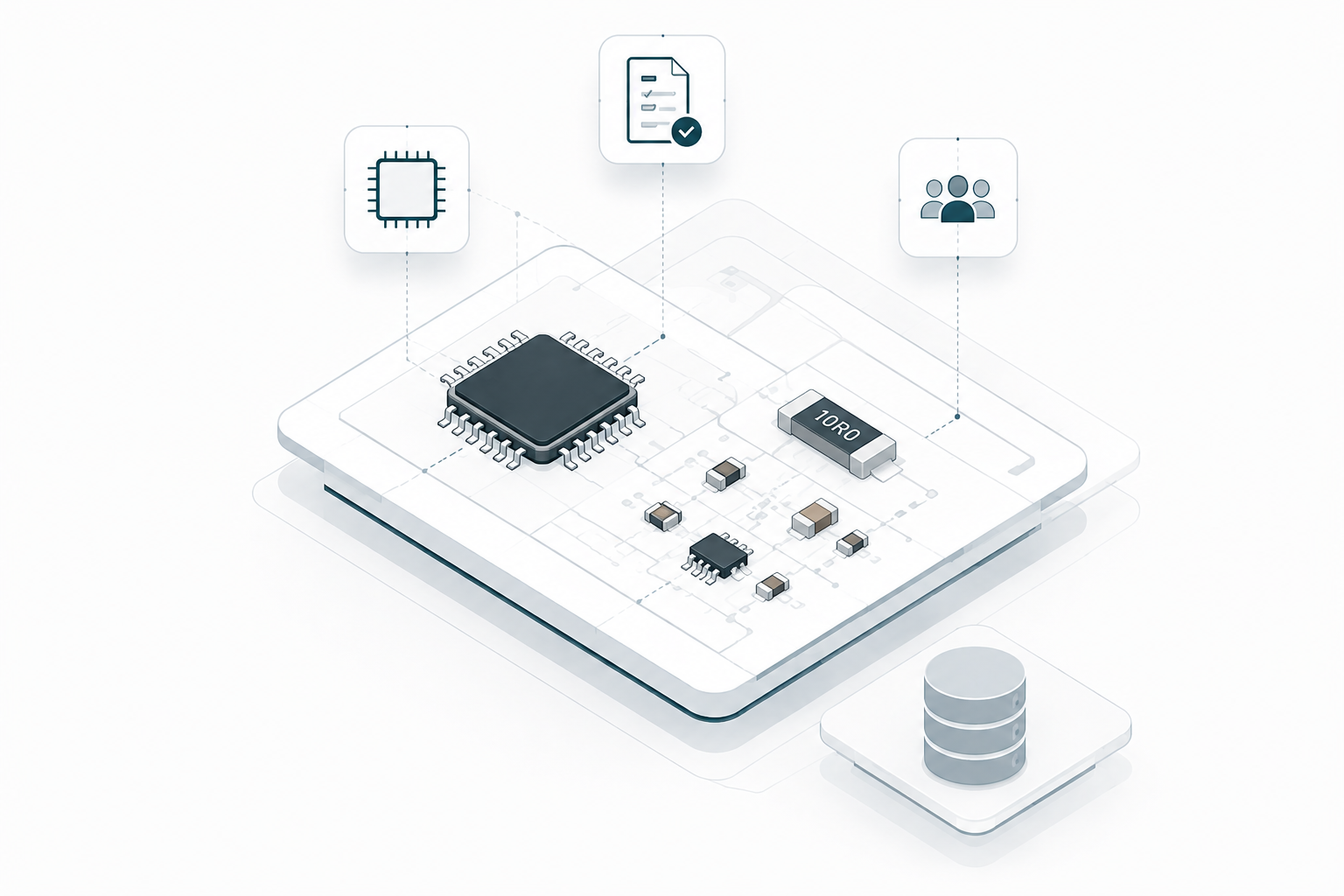
PCB Libraries combines automated footprint creation, symbol generation, and library management into one unified workflow.
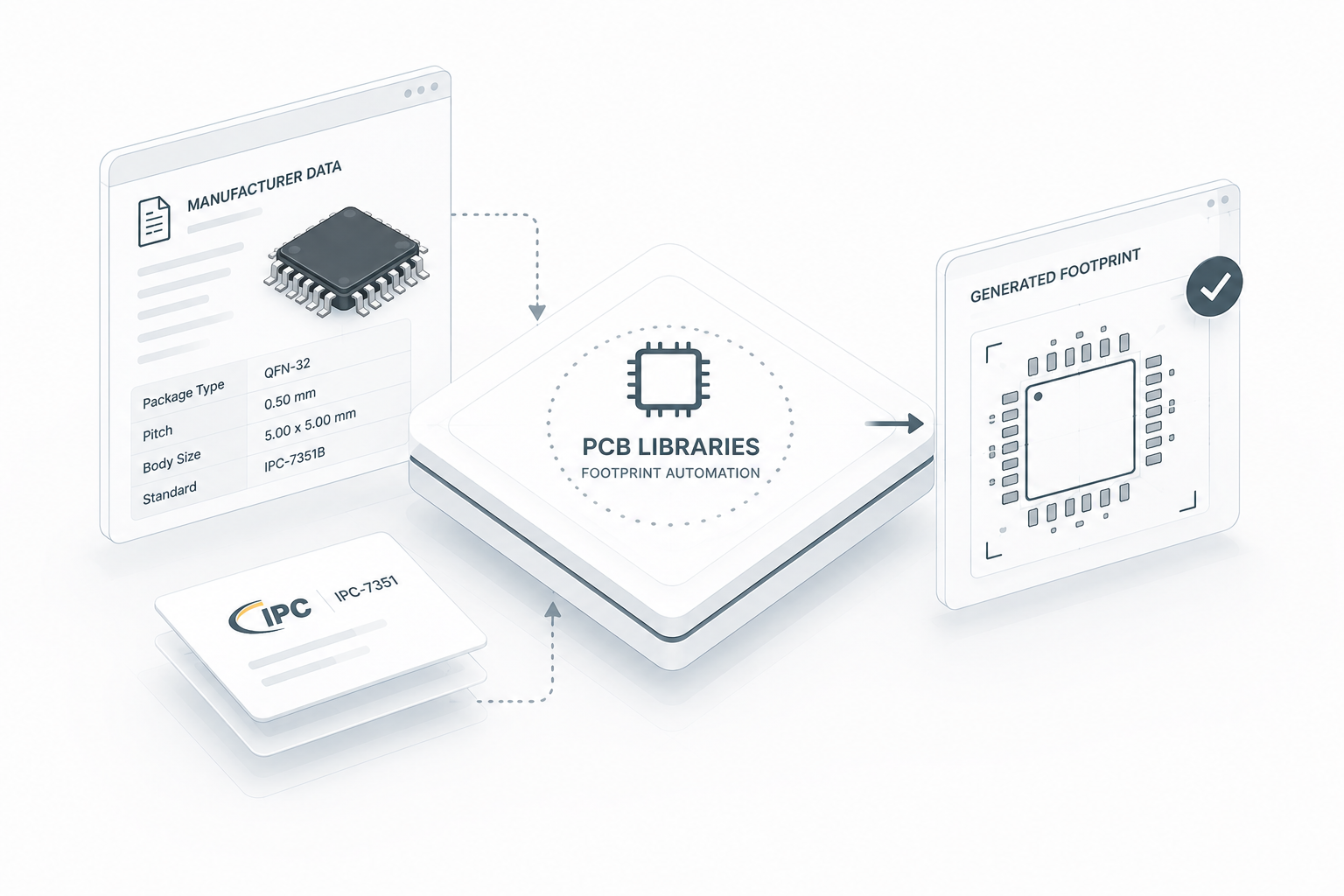
PCB Libraries automates PCB footprint creation using rule-based generation built around manufacturer data and IPC standards.
Instead of manually creating library parts with inconsistent conventions, engineering teams can generate standardized footprints with predictable structure, spacing, courtyards, silkscreen, and pad definitions.
This helps teams:
By automating footprint creation through predefined rules, libraries become easier to maintain, validate, and scale across larger engineering environments.
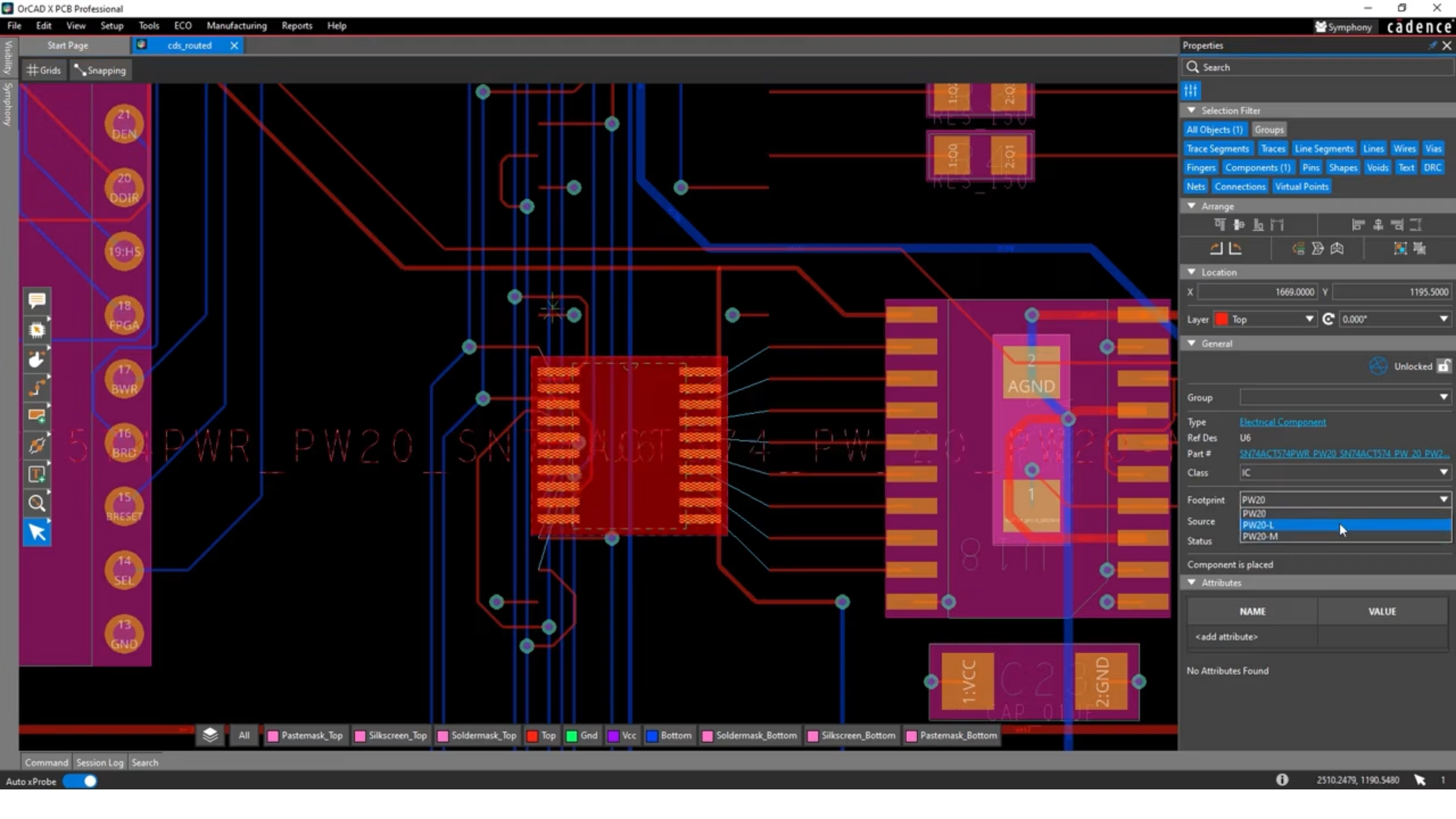
Create schematic symbols more consistently and structurally across design projects.
By automating symbol generation, it becomes easier to maintain quality and consistency in larger library environments.
It helps teams:
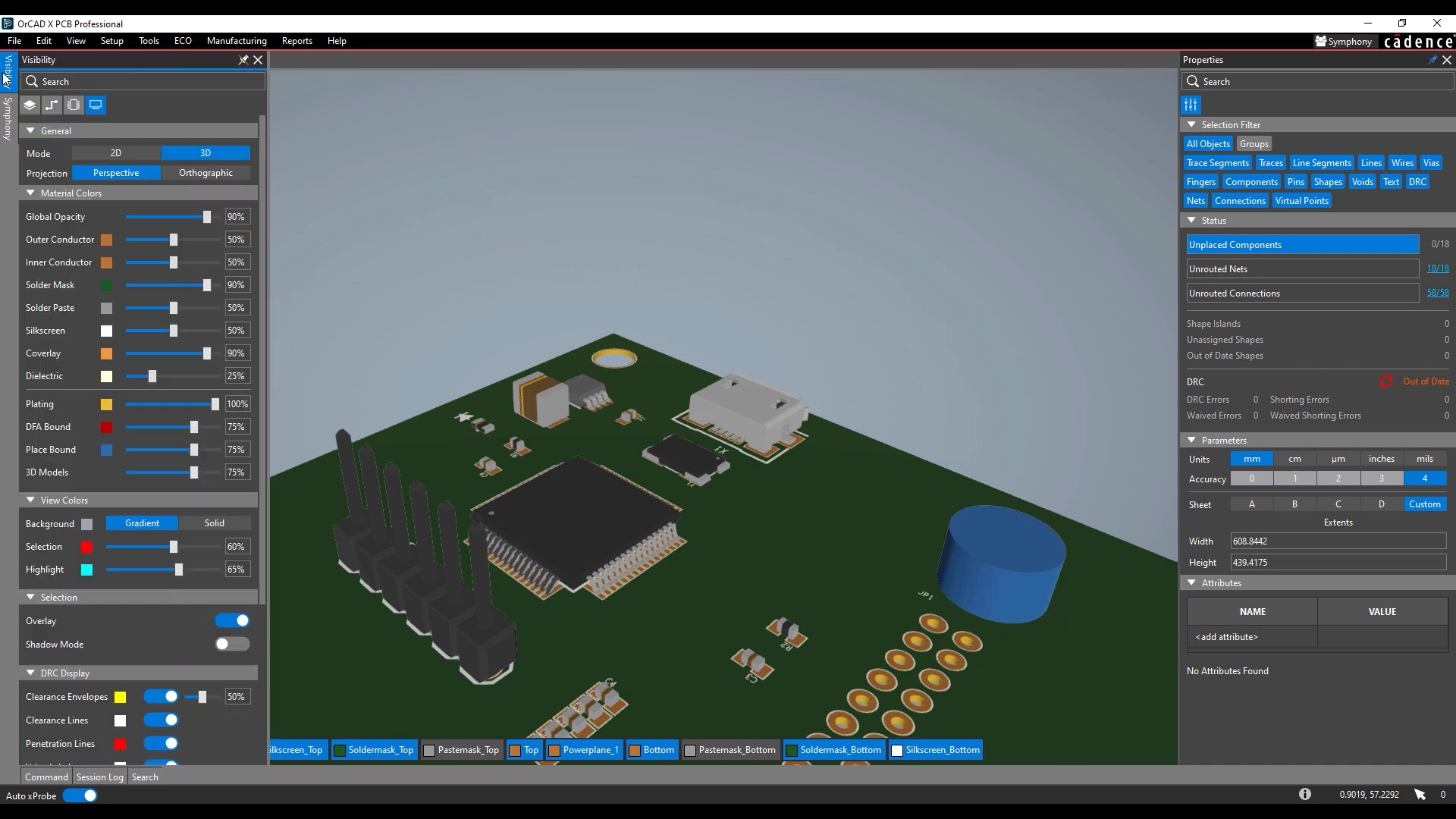
PCB Libraries automates the creation and management of 3D STEP models as part of the PCB library workflow.
This makes it easier to maintain consistency between ECAD and MCAD environments while improving visualization and mechanical validation earlier in development.
Instead of manually sourcing or creating 3D models for each component, engineering teams can work with standardized and library-linked STEP data directly inside the design flow.
It helps teams:
Especially valuable in projects where enclosure fit, mechanical integration, and 3D assembly validation are important parts of the development process.
PCB Libraries helps validate footprint and symbol data before it reaches the design flow.
This makes it easier to detect errors and inconsistencies early — before they impact layout or manufacturing.
It helps teams:
Work with libraries more structurally across teams and projects.
Centralized library management makes it easier to control standards, versioning, and maintenance of component data.
It helps teams:
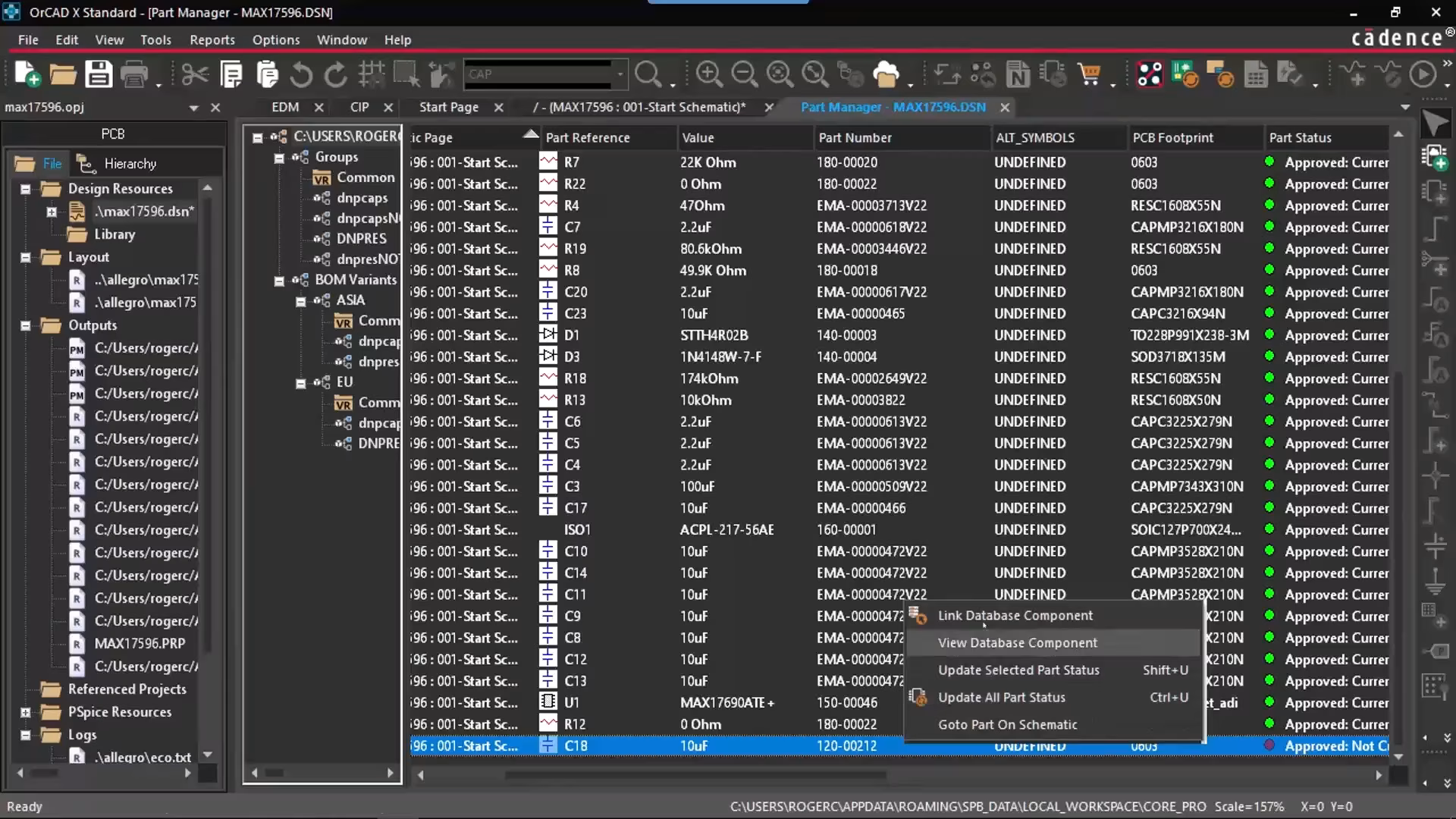
PCB Libraries integrates with existing PCB design flows and Cadence environments such as Allegro® and OrCAD®.
This allows teams to continue working in the tools they already use — with more consistent and automated library processes.
It helps teams:
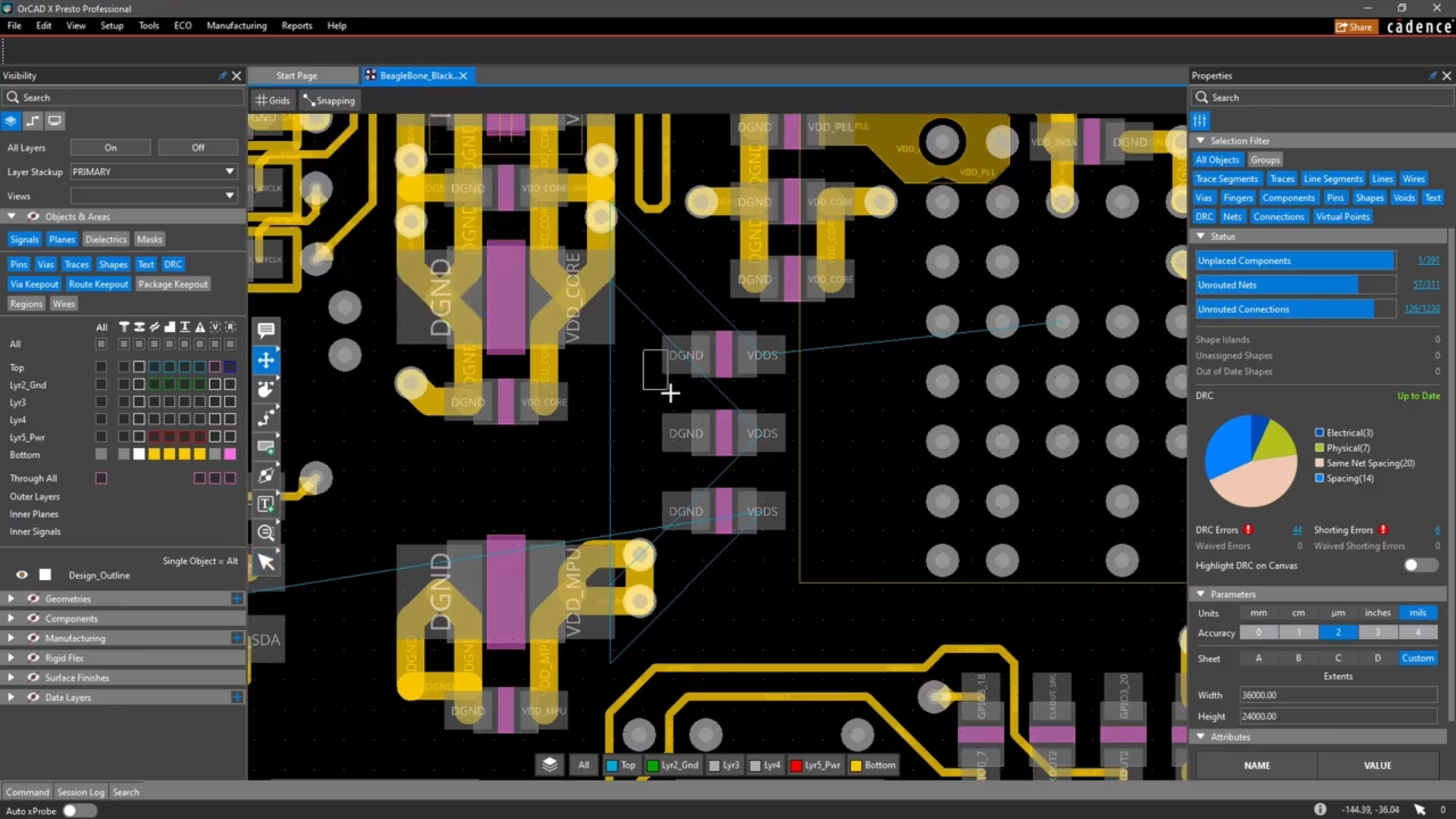

In short: PCB Libraries provides the platform. Nordcad makes it useful in your daily practice.

All Nordcad customers have access to our local hotline support. Here you speak with a technical specialist who understands your challenges and can guide you quickly.

“It ensures fast help, eliminating the time-consuming process of seeking assistance through conventional channels.”










A short conversation is often enough to determine whether Nordcad is the right fit. No pitch. No pressure.
Just an open discussion about your needs and challenges.